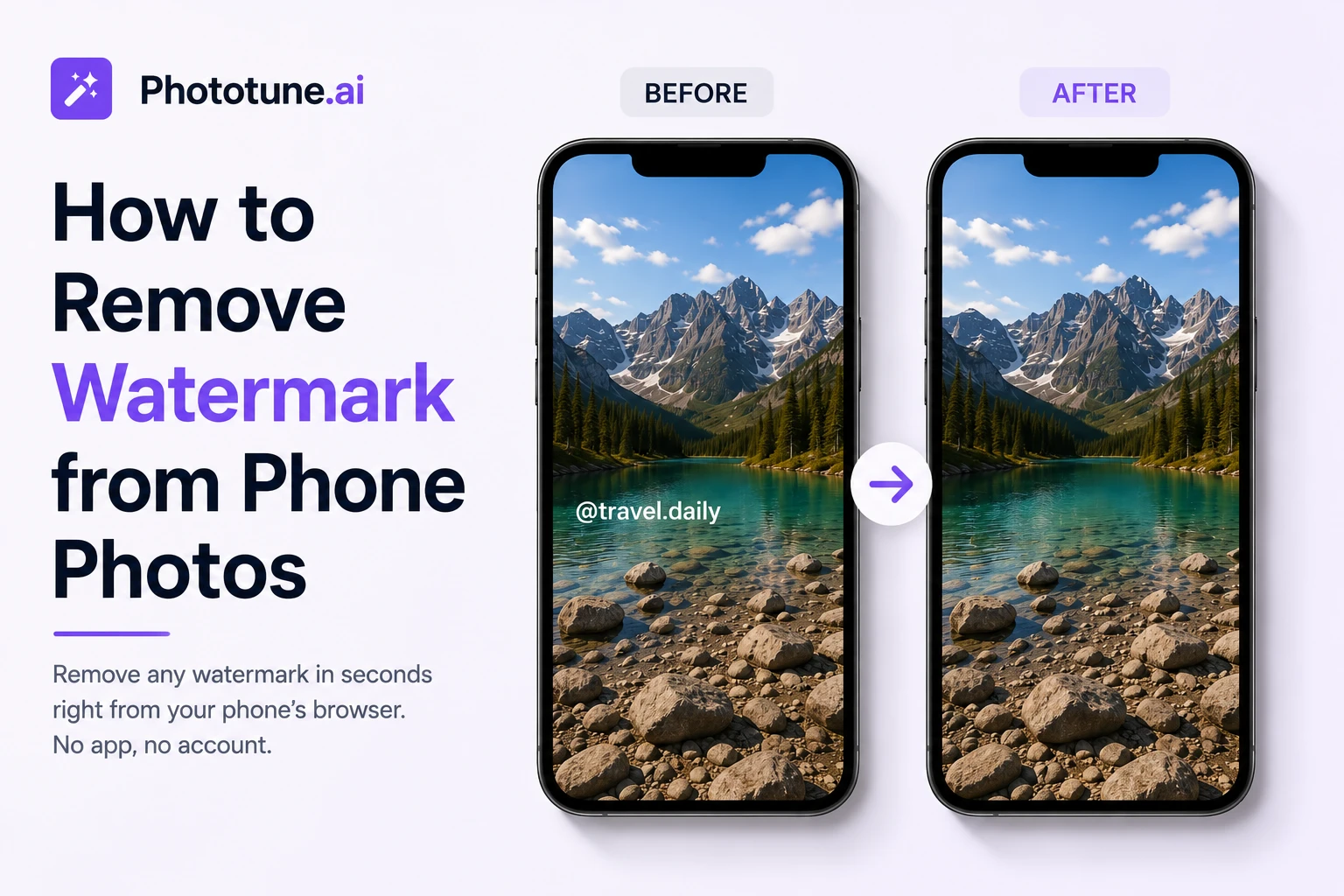

How to Remove Watermark from Phone Photos
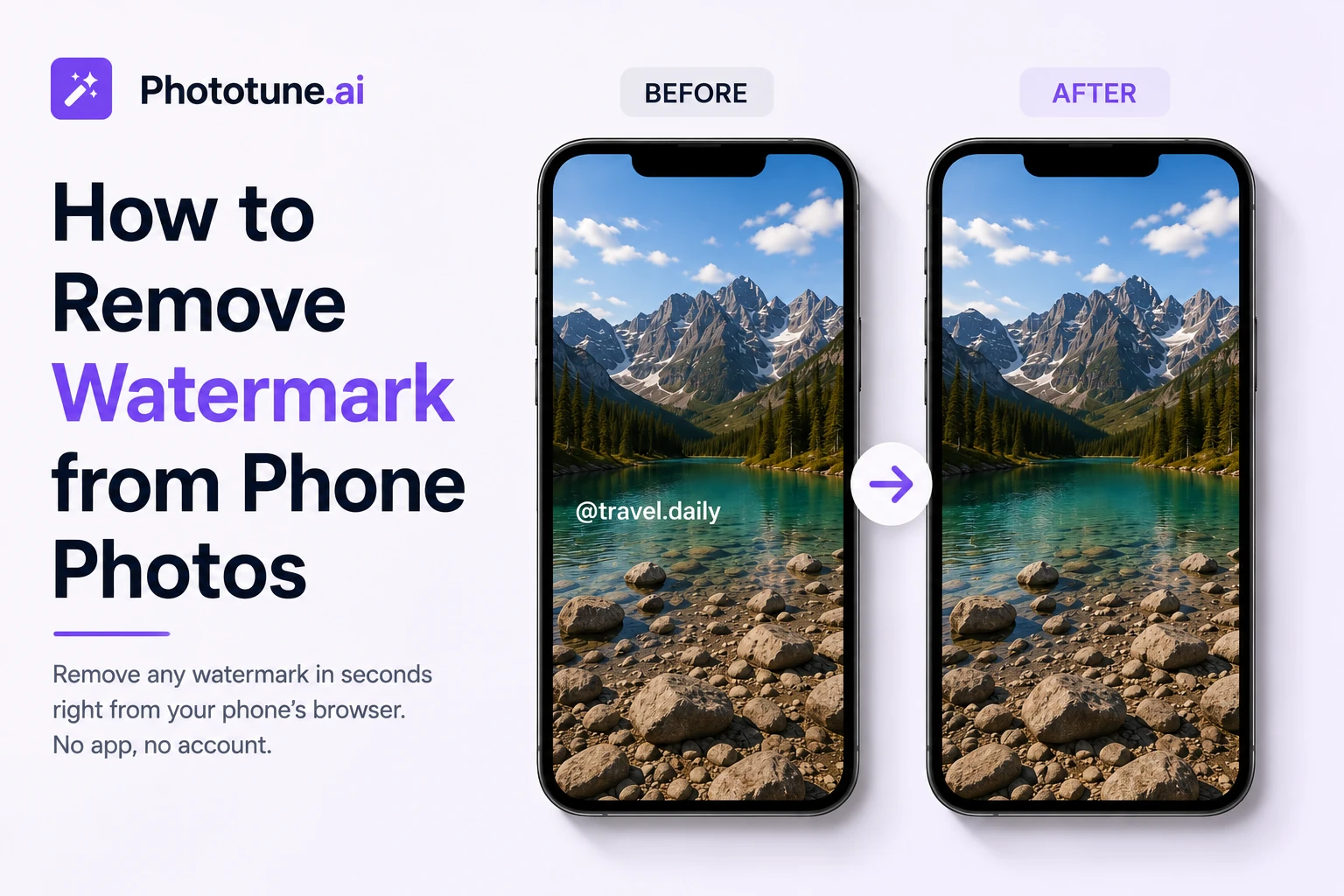
Most photos with watermarks today come from a phone — a screenshot, a saved social media image, or a photo edited in an app that added its own branding. The good news: you don’t need a computer or Photoshop to fix this. Phototune.ai watermark tool works entirely in the phone’s browser, no app download required, and removes the watermark in seconds — right from where the photo already is, on your phone.
Why Phone Photos End Up with Watermarks
Watermarks on mobile photos come from a few common sources, and each one is something almost everyone has run into:
| Source | What the Watermark Looks Like |
| Social media saves | Platform logo or username overlay (TikTok, Instagram, Pinterest) |
| Free editing apps | App logo or branding added to exported photos |
| Camera apps with date stamp | Date and time printed in a corner |
| Messaging app downloads | Compression artifacts plus sender app branding |
| Stock photo apps | Preview watermark before purchasing a license |
| Screenshots of videos | Progress bar, captions, or platform UI elements |
Why a Browser Tool Works Better Than a Phone App
There are dedicated watermark removal apps in app stores, but they come with real downsides: they take up storage space, often require an account, frequently push in-app purchases for the actual removal feature, and need to be updated periodically. A tool that runs directly in your phone’s browser avoids all of this.
Phototune.ai works the same way on a phone as it does on a desktop — open the page, upload the photo, and the AI handles the rest. There’s nothing to install and nothing taking up space on your device.
Step-by-Step: Remove a Watermark from a Phone Photo
Step 1: Open your phone’s browser (Safari, Chrome, or any other) and go to Phototune.ai’s watermark remover. No app needed.
Step 2: Tap to upload the photo. You can select it directly from your phone’s photo library or, if you just took a screenshot, choose it right from your recent photos.
Step 3: The AI automatically detects the watermark — whether it’s a platform logo, username tag, or date stamp — and removes it, reconstructing the background naturally.
Step 4: Review the result on your screen. For most common phone photo watermarks, the result is ready instantly with no further adjustment needed.
Step 5: Download the clean photo directly to your phone’s gallery, ready to share, post, or save.
Common Phone Photo Watermark Scenarios
| Situation | How It’s Handled |
| Saved TikTok or Instagram video frame | AI removes the username, logo, and audio credit overlay |
| Screenshot with a progress bar | Bar is removed and the bottom edge is reconstructed naturally |
| Photo edited in a free app with a logo | Logo area is detected and the background filled in seamlessly |
| Old phone photo with a date stamp | Date text is removed cleanly, even in the corner of a busy photo |
| Product photo sent by a supplier via messaging app | Logo or watermark removed before uploading to an online store |
Tips for Best Results on Mobile
Use the original photo, not a re-saved or re-shared version. Each time an image is saved or sent through a messaging app, it loses a bit of quality through compression. Starting from the original file — saved directly from the camera roll rather than a forwarded copy — gives the AI more detail to work with.
If you took a screenshot, crop out anything you don’t need before uploading. A tighter, more focused image gives a cleaner result and avoids reconstructing parts of the image that aren’t relevant.
Make sure you’re connected to a stable network. Since the tool runs in the browser, a steady connection ensures the photo uploads and processes without interruption.
What This Is Useful For
Reposting content across platforms: saving a video frame or photo from one social app to repost on another often means dealing with that platform’s branding first. Removing it keeps the content looking original.
Cleaning up product photos sent by suppliers: many small sellers manage their entire catalog from a phone, receiving product images through messaging apps that already include a manufacturer’s watermark.
Personal photos: an old picture with a date stamp, or a photo edited years ago in an app that added its logo, can be cleaned up in seconds without digging out a computer.
Try it directly from your phone — Phototune image cleaner works in any mobile browser, no app to download, no account needed. Upload your photo, let the AI remove the watermark, and save the clean result straight to your phone.