
An expanding office or campus may impose unforeseen loads on the network. Access points, IP cameras, phones, and workstations require reliable connectivity, and some devices may need power where they are installed. Deployment can become complex due to separate adapters and crowded cabling.
Another issue is limited switch ports: adding users or equipment can make your network grow faster than you intended. Switch selection isn’t just about counting ports. Consider power supply, port capacity, traffic requirements, and alternatives that help keep business applications online.
Campus switches integrate these needs into a single network foundation. An effective design will save on expensive redesigns in the future.
Let’s understand the concept of PoE, port density, and campus switches.
Campus switches
Campus switches are the wired network backbone of office, building, and educational networks. They connect workstations, wireless access points, telephones, cameras, and other Ethernet devices, and offer mechanisms to transport traffic across the network. The right configuration depends on your site size, the number of connected devices, and the applications your teams depend on.
Managed models give the network administrator control over network configuration and monitoring. Layer 2 switches forward Ethernet traffic within a local network, while Layer 3 switches provide routing services to move traffic between IP networks or VLANs. This difference matters when planning network segmentation or when you need to communicate with other departments and subnets. Each can contribute to a campus design, but the decision should match your network’s design.
You must also look beyond connectivity. Others, such as MACsec, secure supported Ethernet connections by encrypting the data. Other models offer redundant or hot-swappable power supplies and redundant fan options. These features can minimize the impact of some hardware or power component failures, but they do not eliminate all potential causes of downtime.
USB, console, and out-of-band management connections also give administrators more ways to access and maintain equipment. These capabilities vary by model, so check the specifications before deciding.
Power Over Ethernet PoE
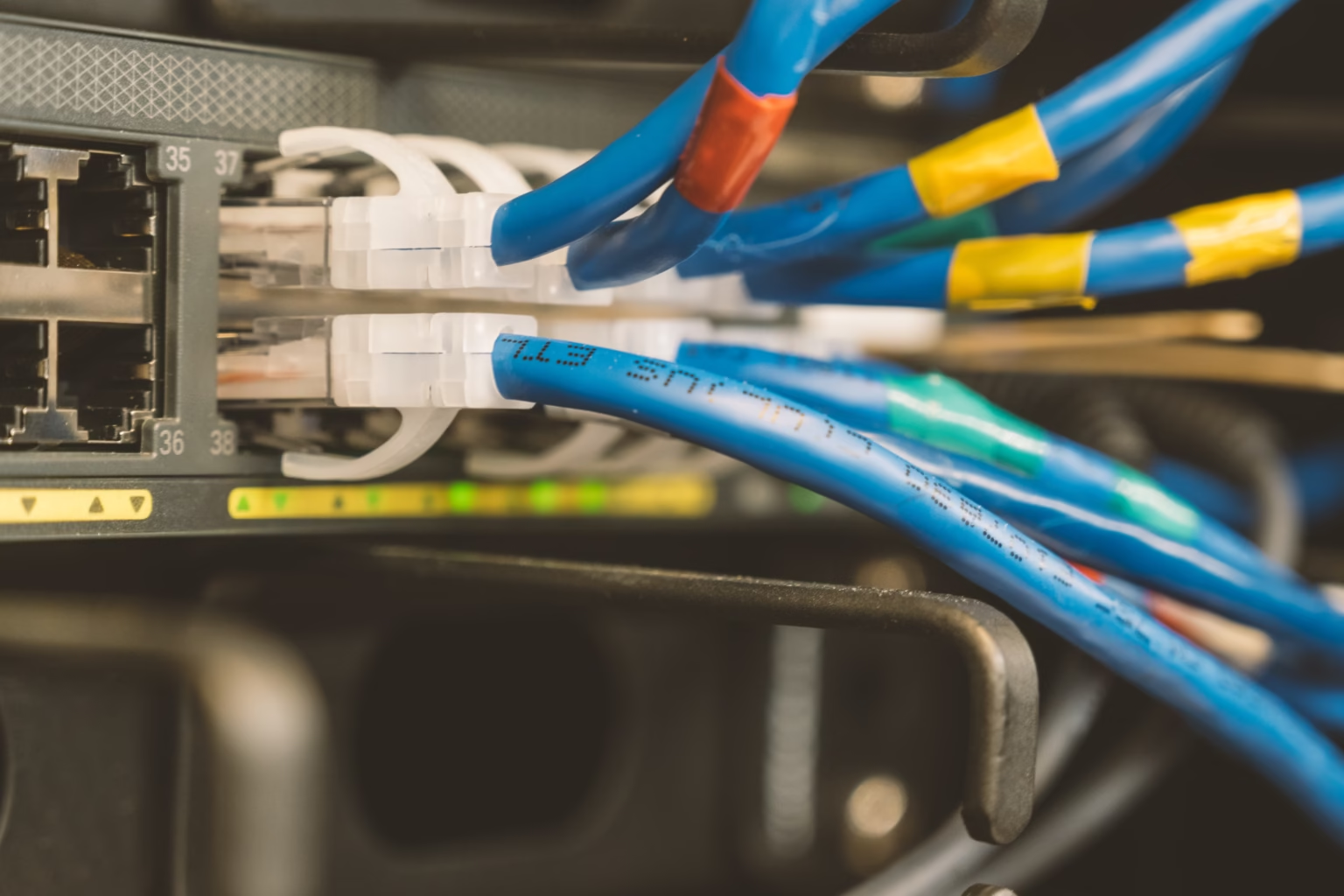
Power over Ethernet (PoE) lets an Ethernet cable deliver data and electrical power to a connected device. This can simplify installations because devices like wireless access points, IP cameras, and VoIP phones may not need a nearby power outlet. Instead, a switch that supports PoE provides power over the network cable, reducing adapters and simplifying cable management.
But not all switches support PoE. PoE, PoE+, and PoE++ provide different power levels, and the device must support the relevant standards. Check the maximum power available from each enabled port, as well as the switch’s total PoE budget. A switch can have ports that support a specific wattage but still maintain a smaller overall budget for its powered equipment.
For example, some supported campus models offer PoE++ (up to 90 watts) on specific ports, while other configurations provide PoE+ with varying total power budgets. That distinction matters when you connect equipment with higher power requirements. To add devices in the future, list the devices you will power and verify their needs and capacity. This helps avoid situations where an otherwise appropriate switch runs out of power.
Port Densities
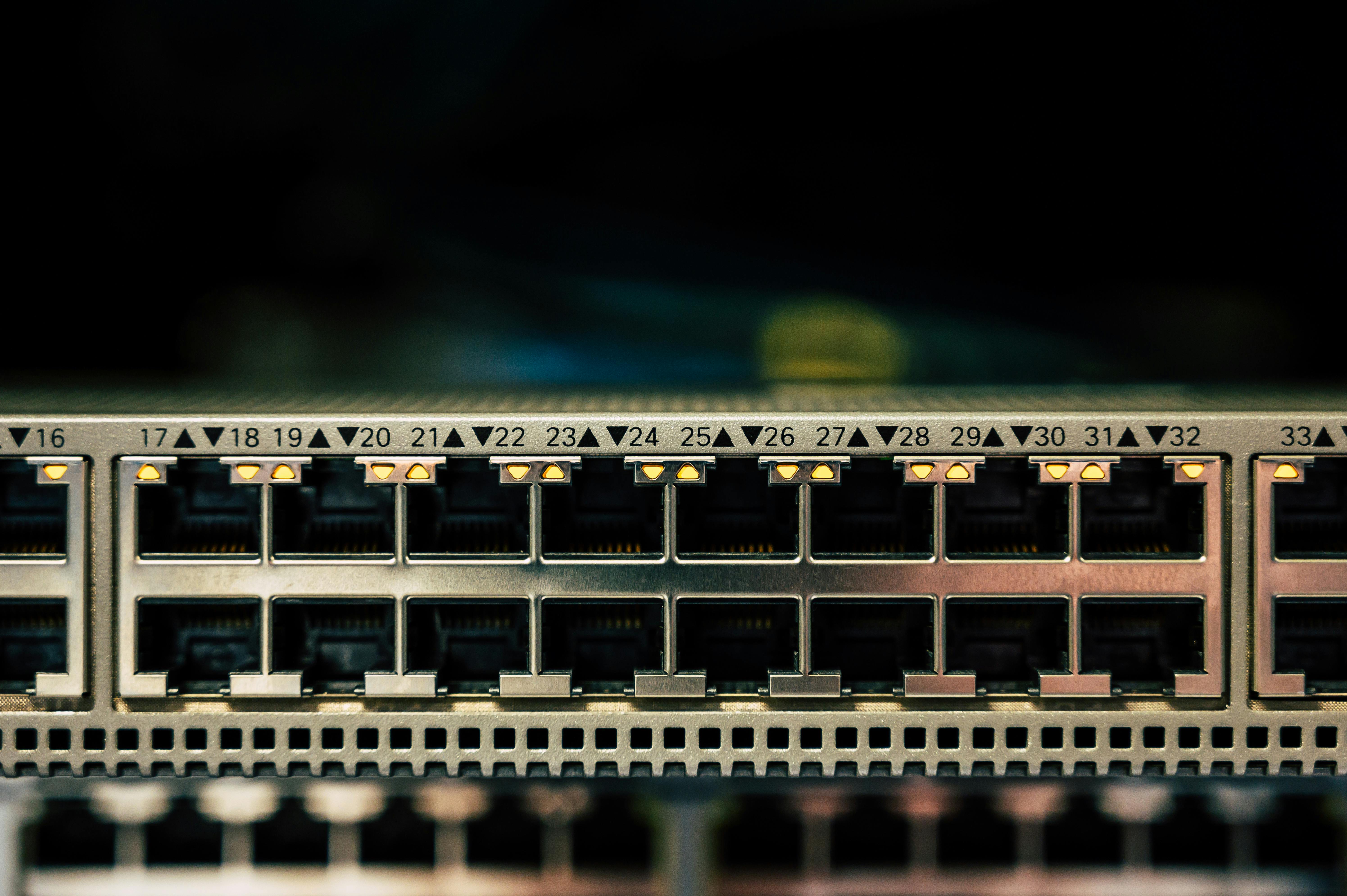
Port density refers to the number of physical Ethernet ports on a switch. It defines how many devices you can directly connect and affects how easily you can expand the network.
Switches are available in configurations ranging from 8 to 48 ports, allowing organizations to select a model that matches their device’s connection needs and network size. A smaller office may need fewer ports, while a larger floor or campus building may require a higher-density model.
Begin by listing the number of devices that require wired connections, such as access points, printers, phones, cameras, and workstations. Then reserve enough ports, so routine changes don’t require a hardware upgrade.
Remember that uplink interfaces matter too. They connect an access switch to another switch or network layer and should never be confused with ports connected to end devices.
Compare the port speed and port count. Gigabit Ethernet may suit many standard connections, while 2.5-gigabit access ports can support devices that need more throughput. The uplink options (10G SFP+ and 25G) offer more capacity for traffic between switches. When many users share the same uplink, its capacity can affect overall performance, even when the access ports are not saturated.
Matching access speeds, uplink capacity, and expected traffic gives you a more balanced design.
Bottom Line
When it comes to choosing the right network switch, it is important to know how the various features interact with each other. The concept of Power over Ethernet (PoE) makes the connection between devices easier because it provides power and data to a device using a single cable, and port density defines how many wired devices a switch can support.
Campus switches combine these features with various port configurations and uplink options to accommodate different network requirements.
Evaluating the devices that are to be connected to it, the amount of power needed, and the type of traffic you are likely to have will allow you to find a switch that offers you the capability to expand as needed.